Portfolio
My Project Showcase
Atlas
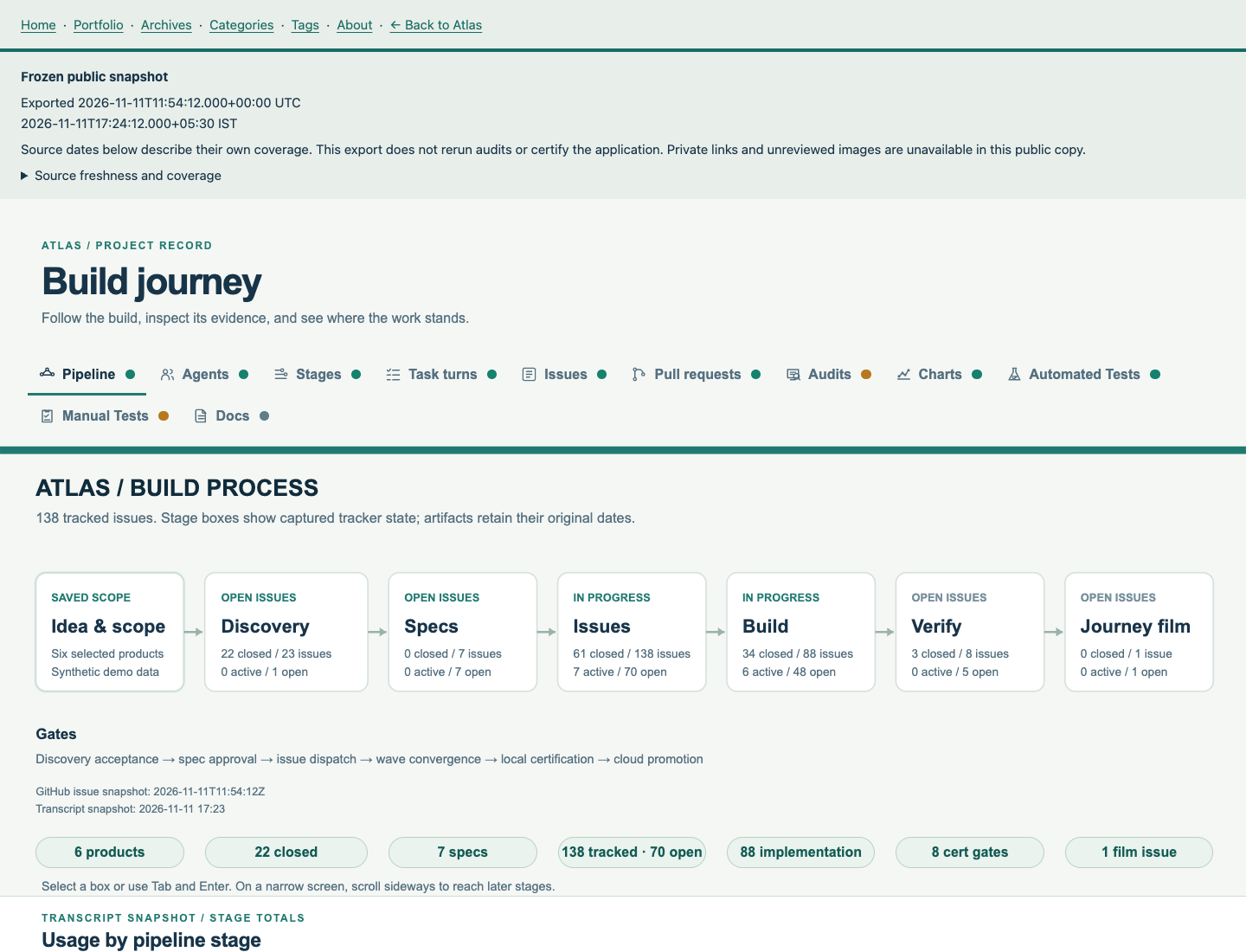
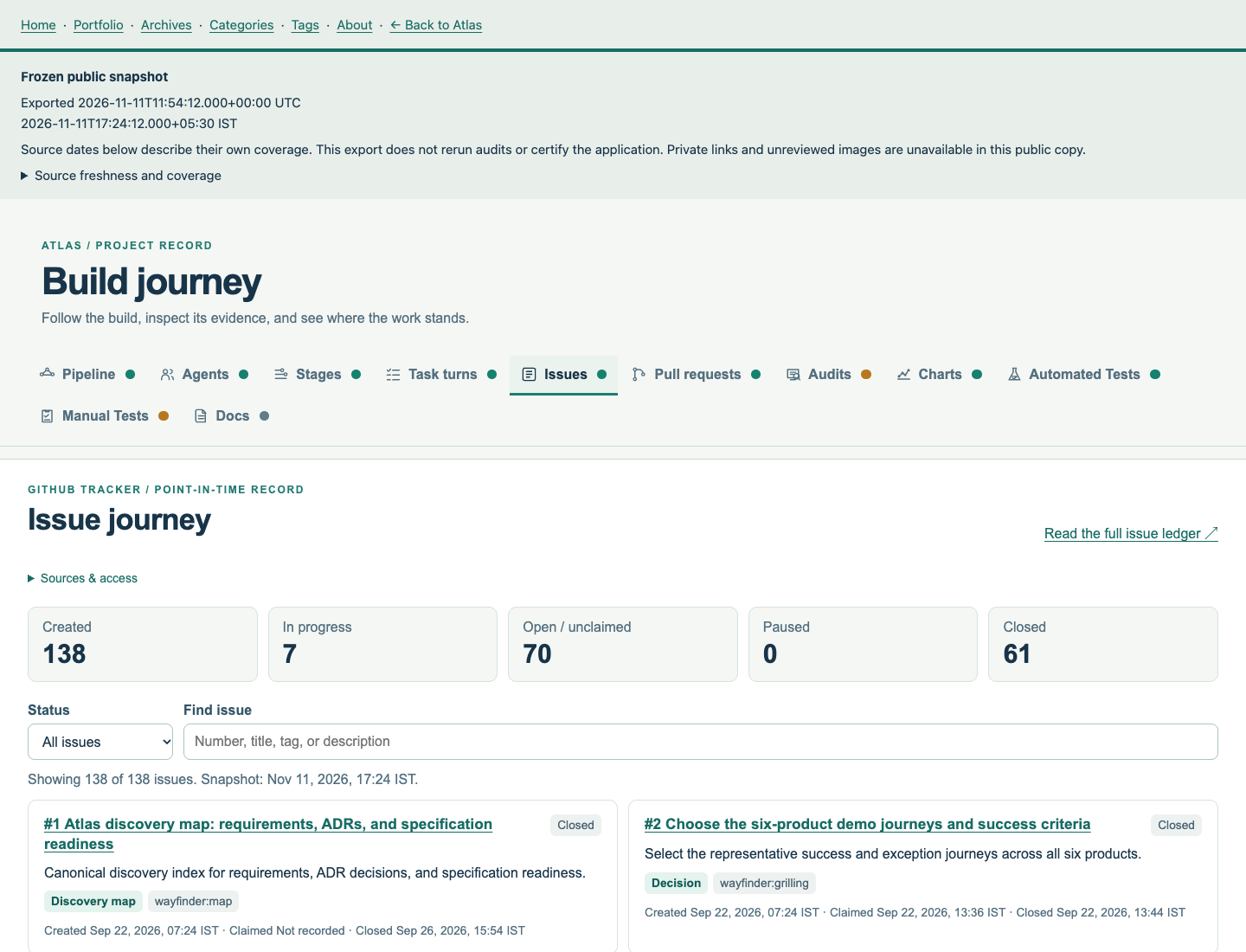
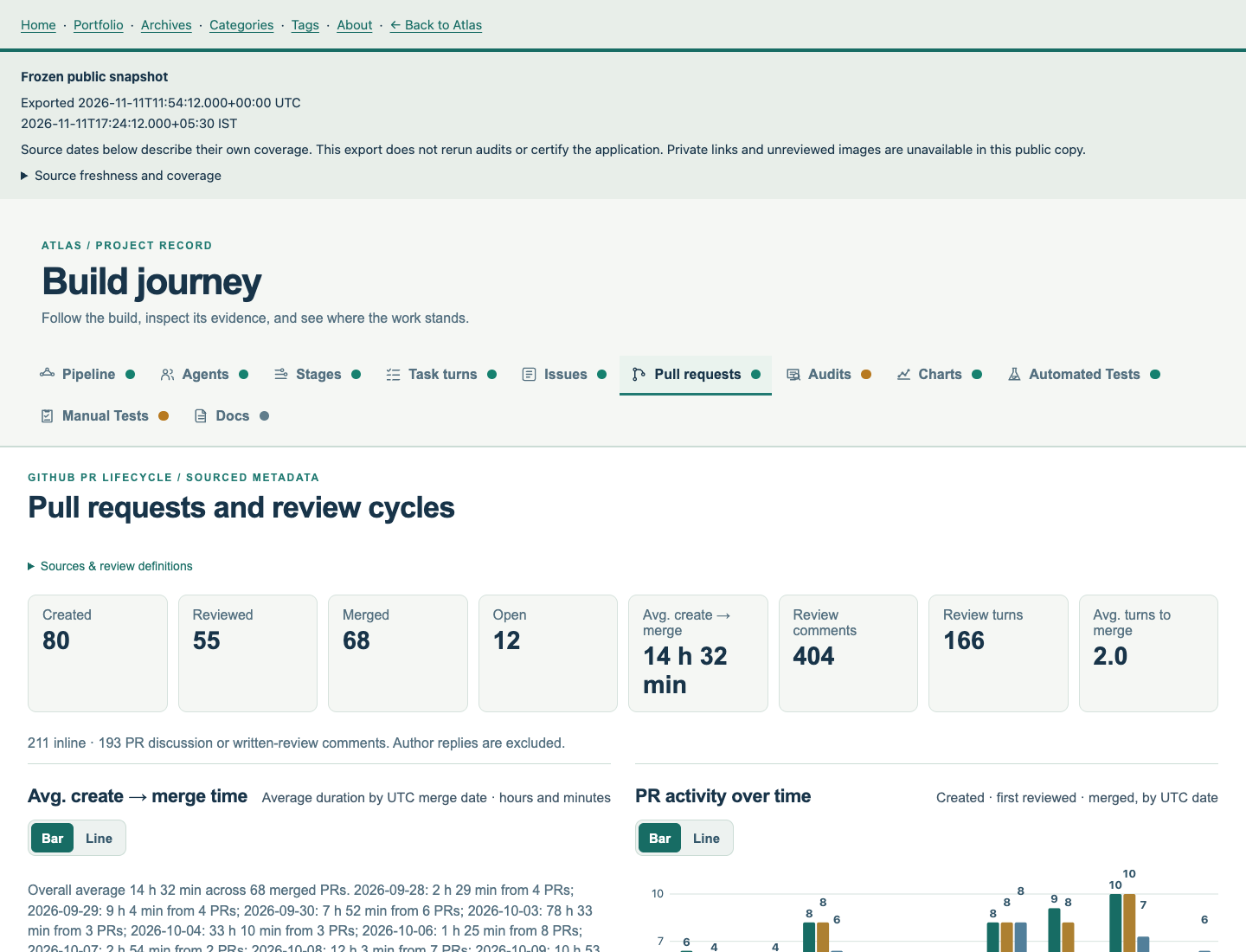
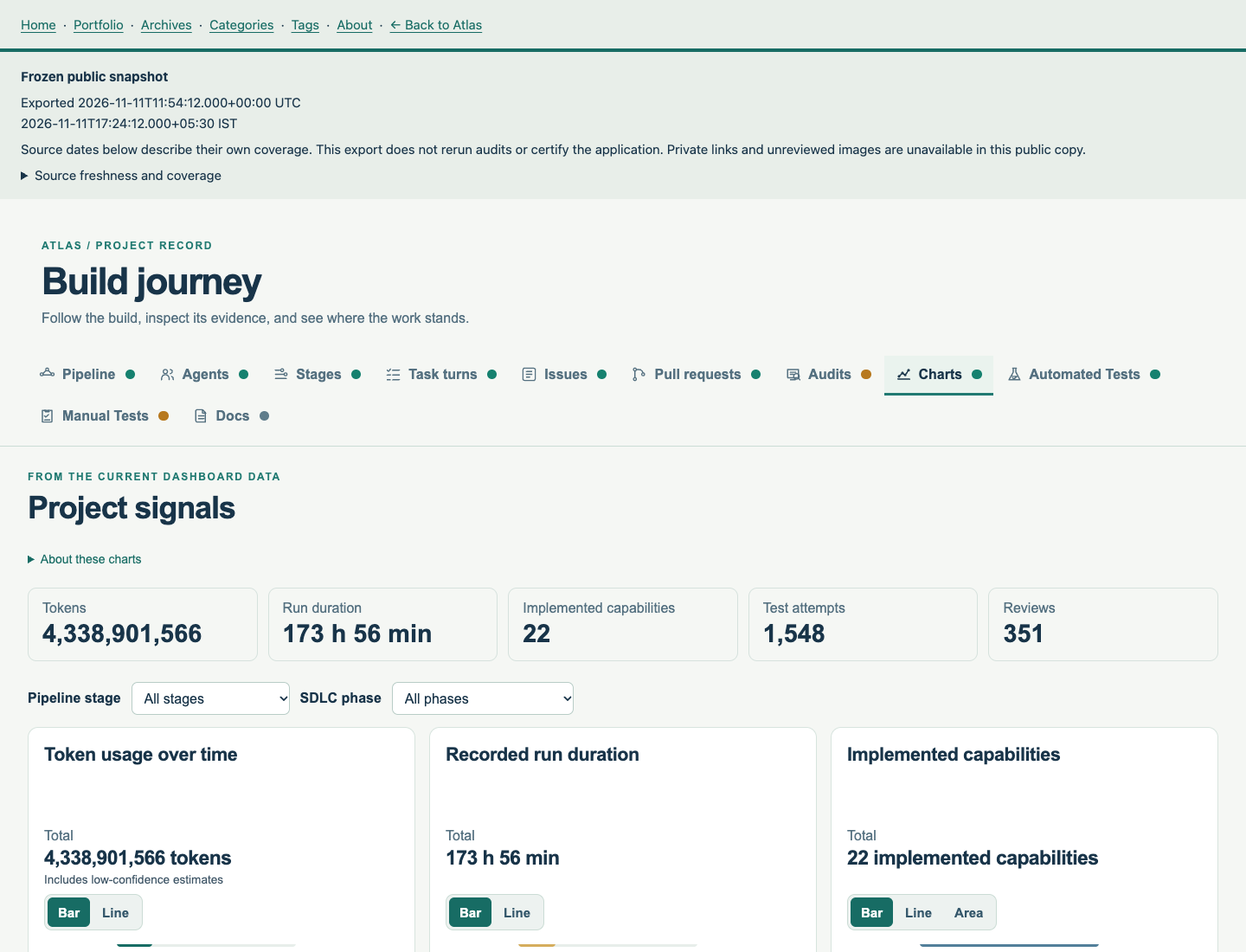
Frames 1 to 20 are Atlas prototype screens, captured 2 November 2026. Frames 21 to 25 are Journey Map views, captured 11 November 2026. Swipe, scroll, or use the controls. Focus the gallery and use Left/Right or Home/End. Select an image to open its PNG.
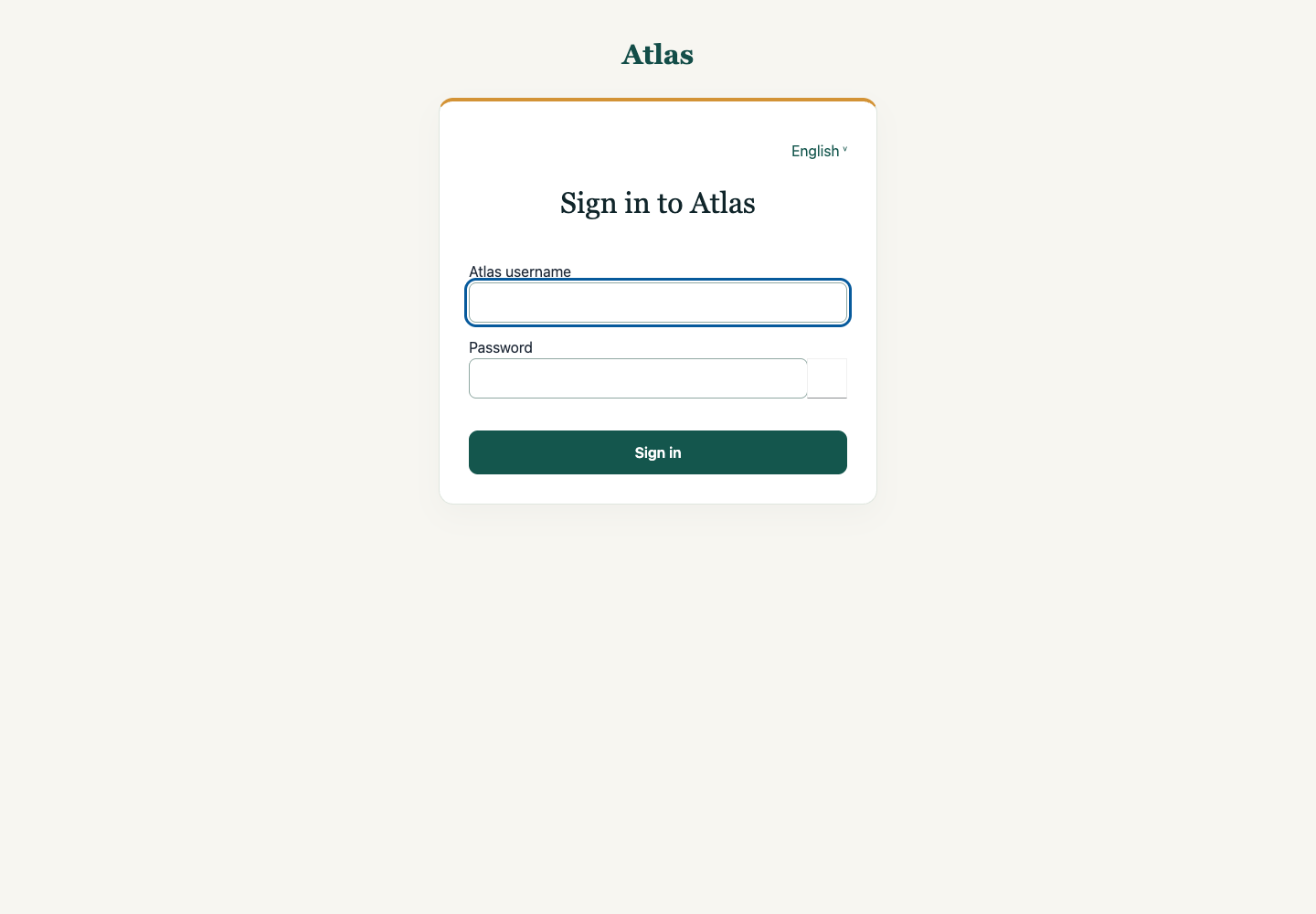
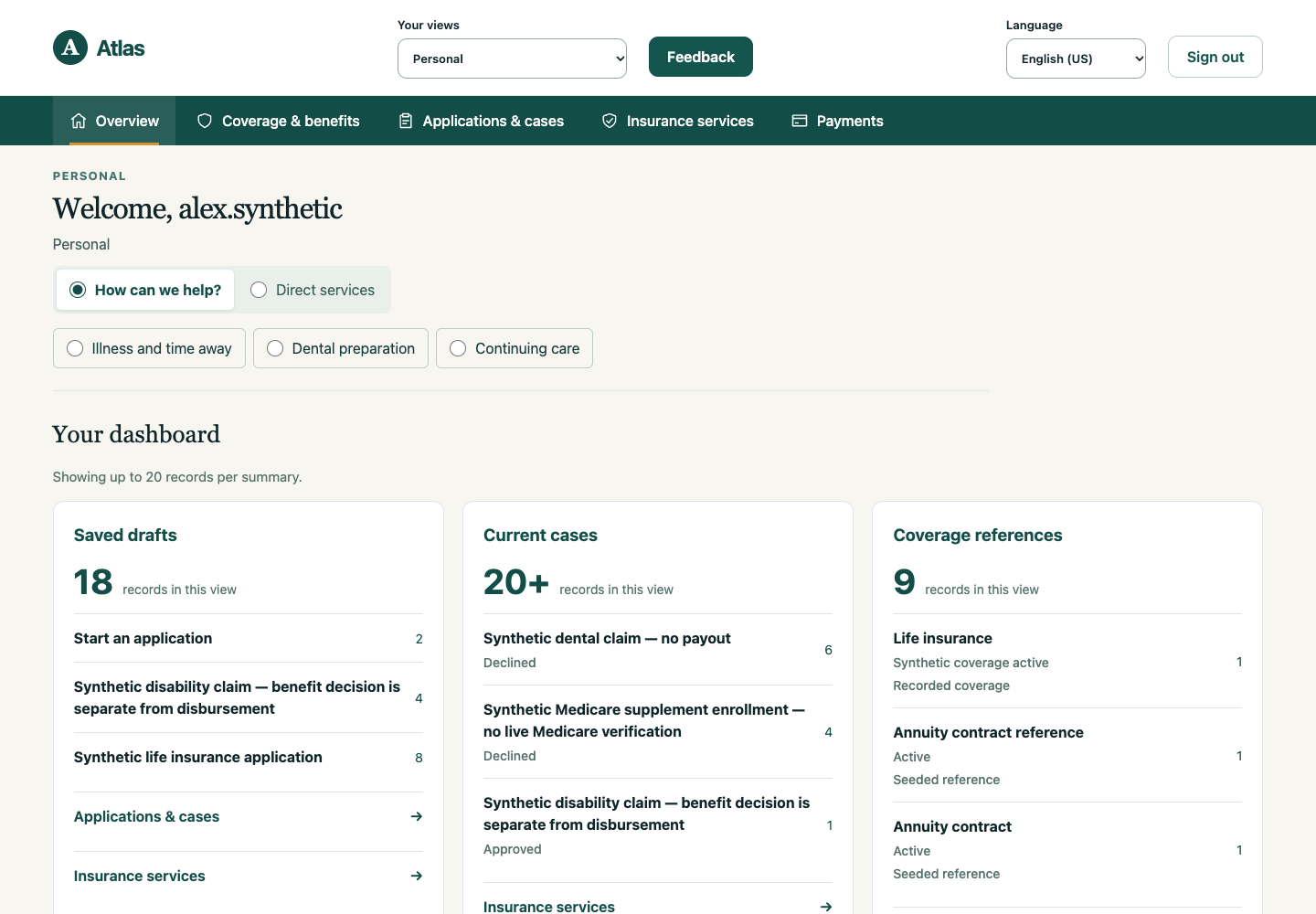
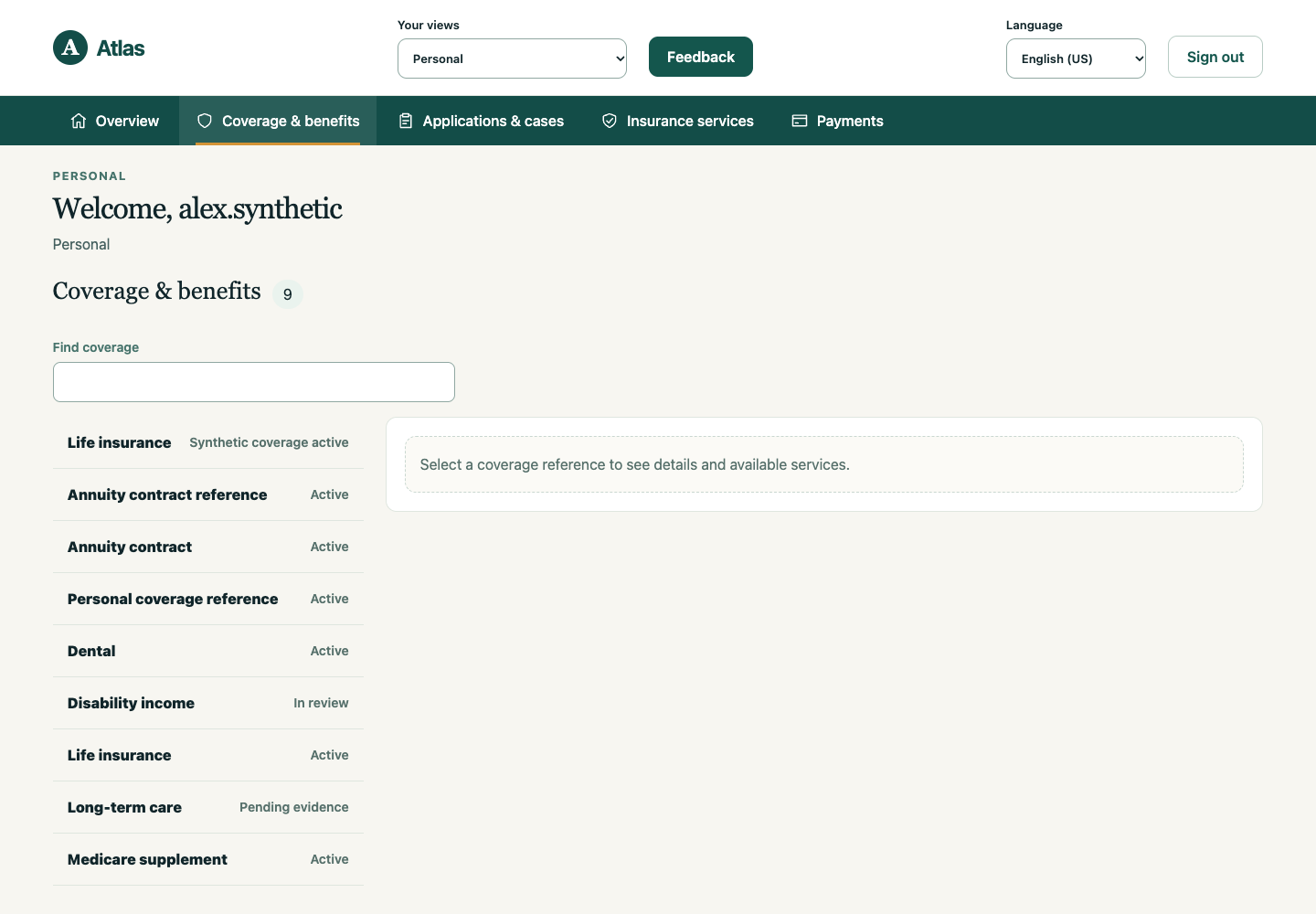
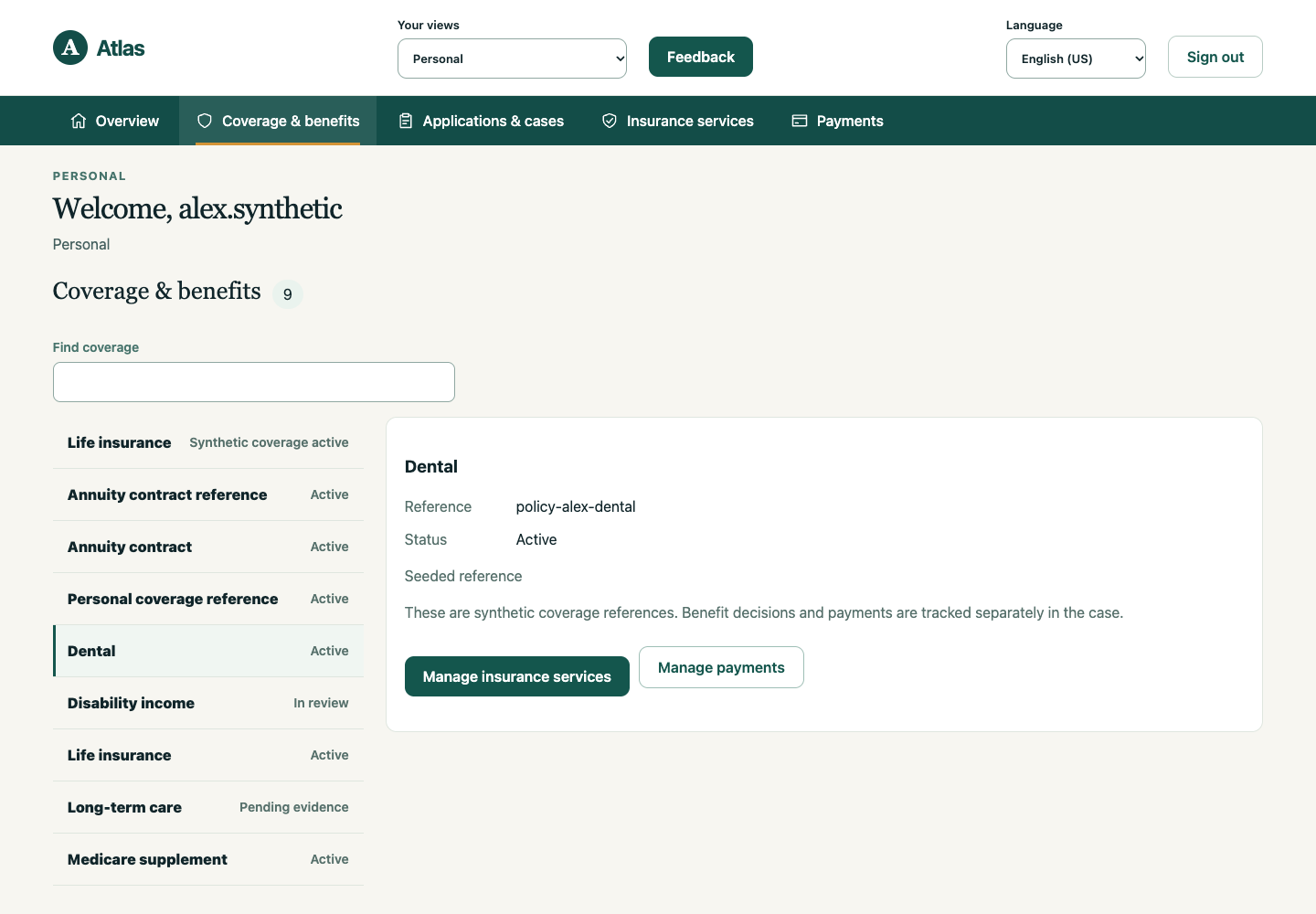
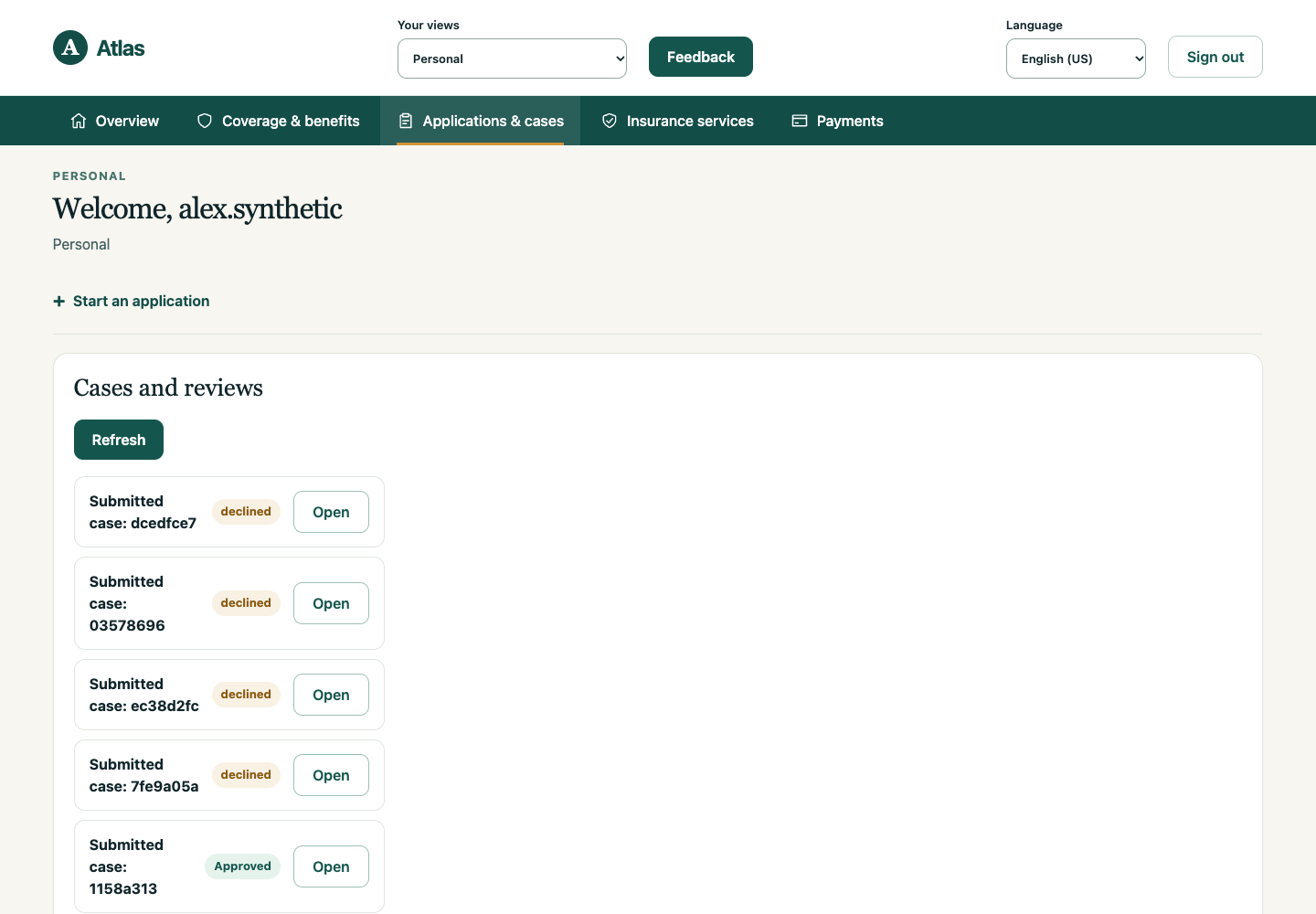
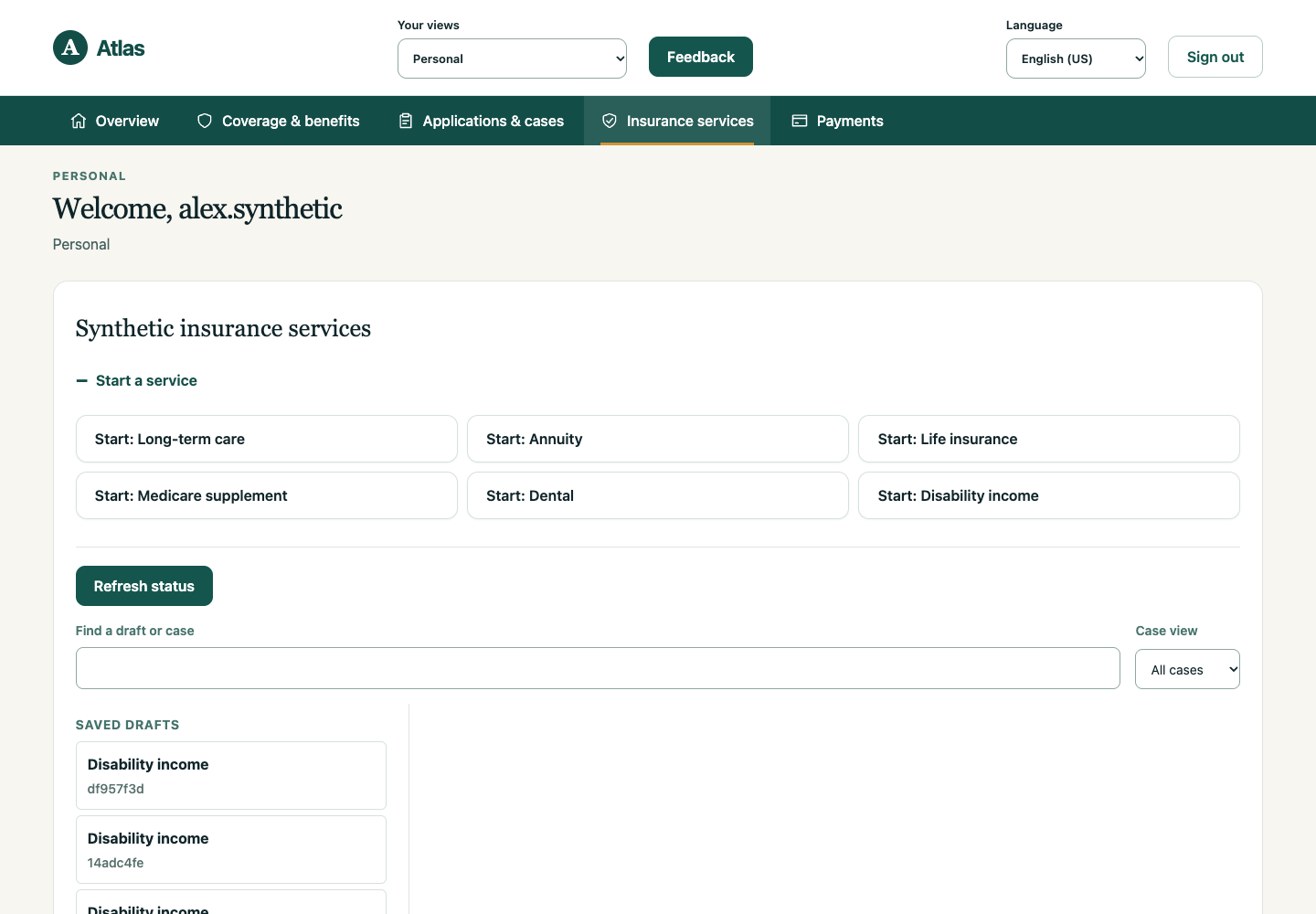
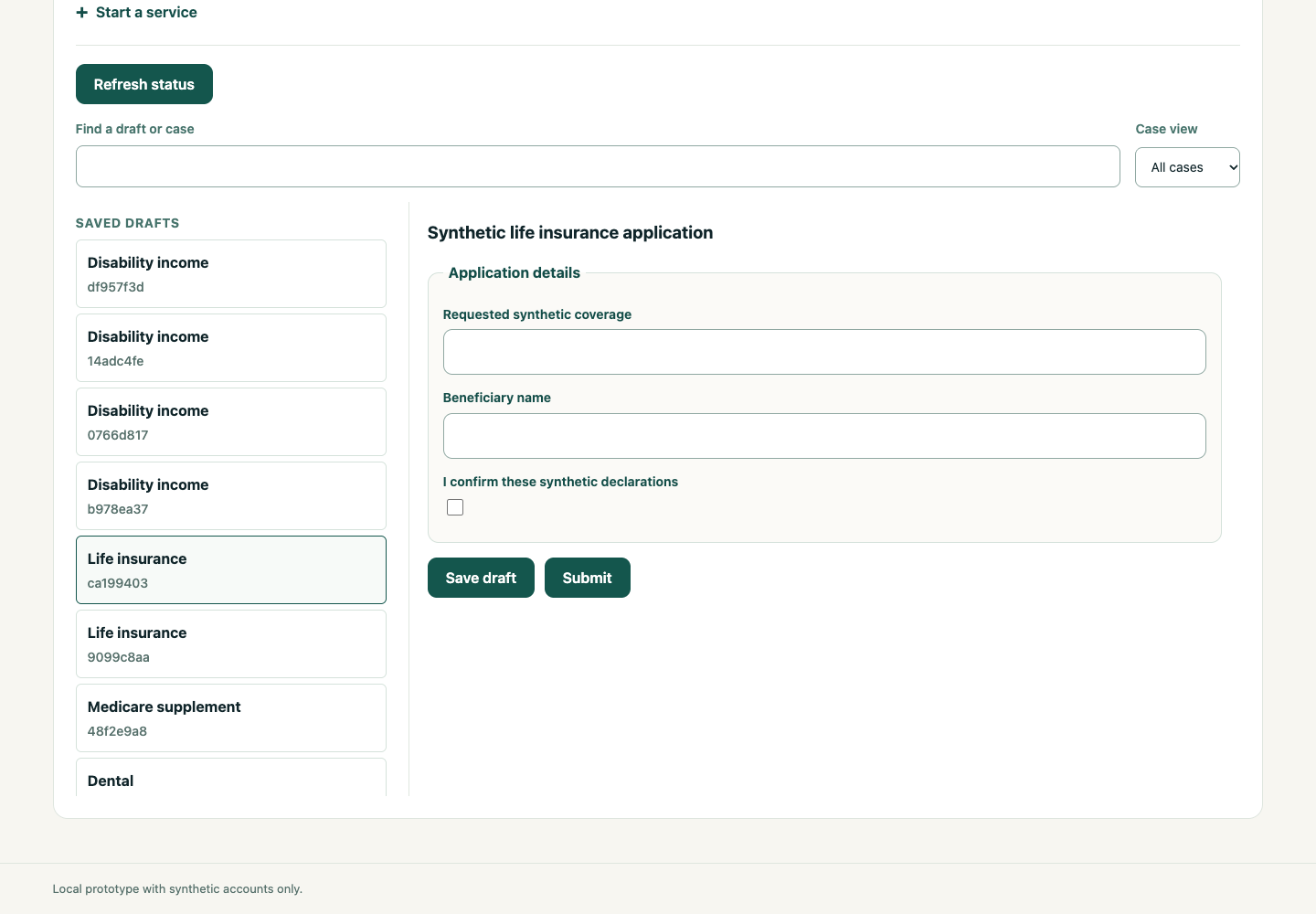
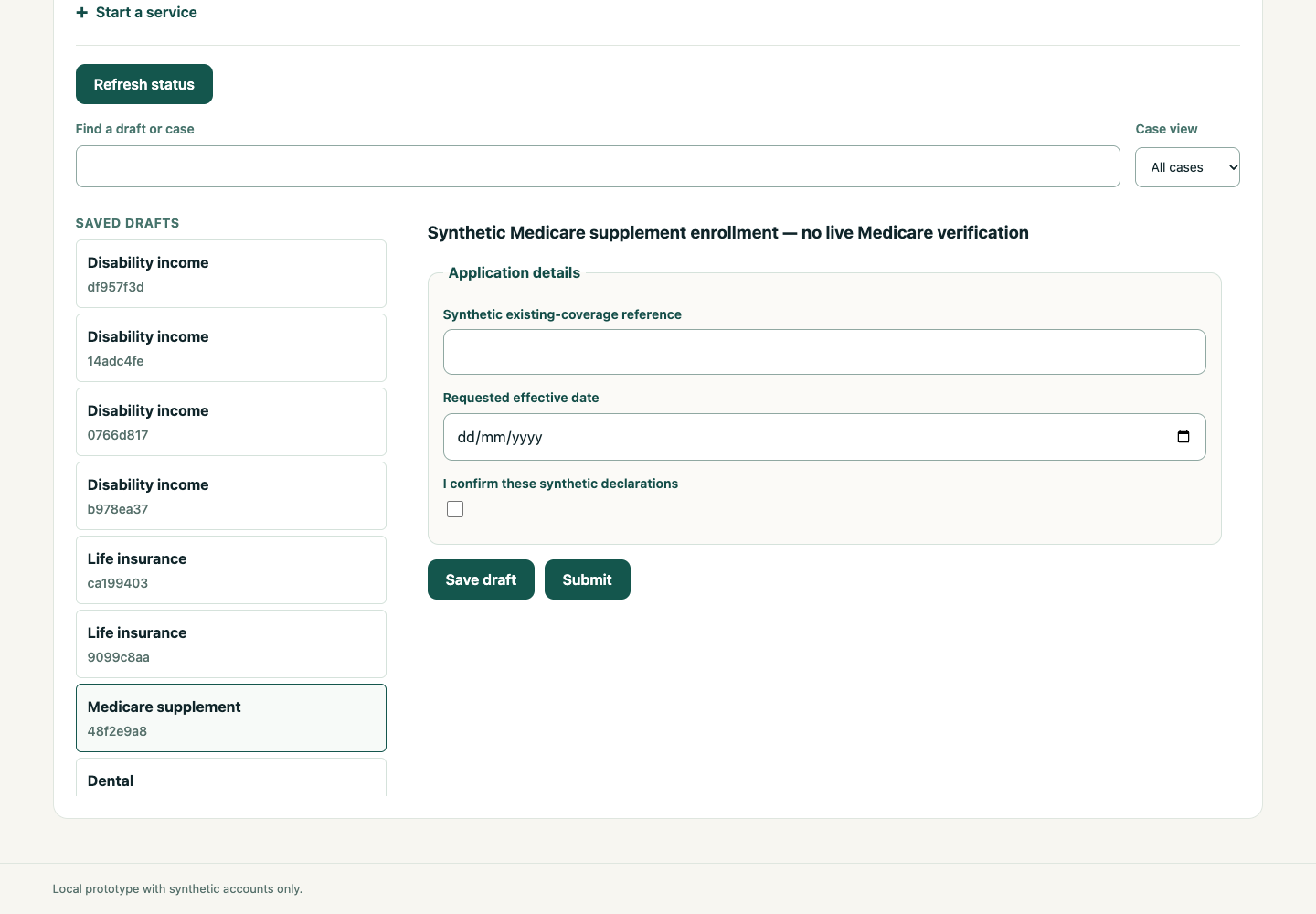
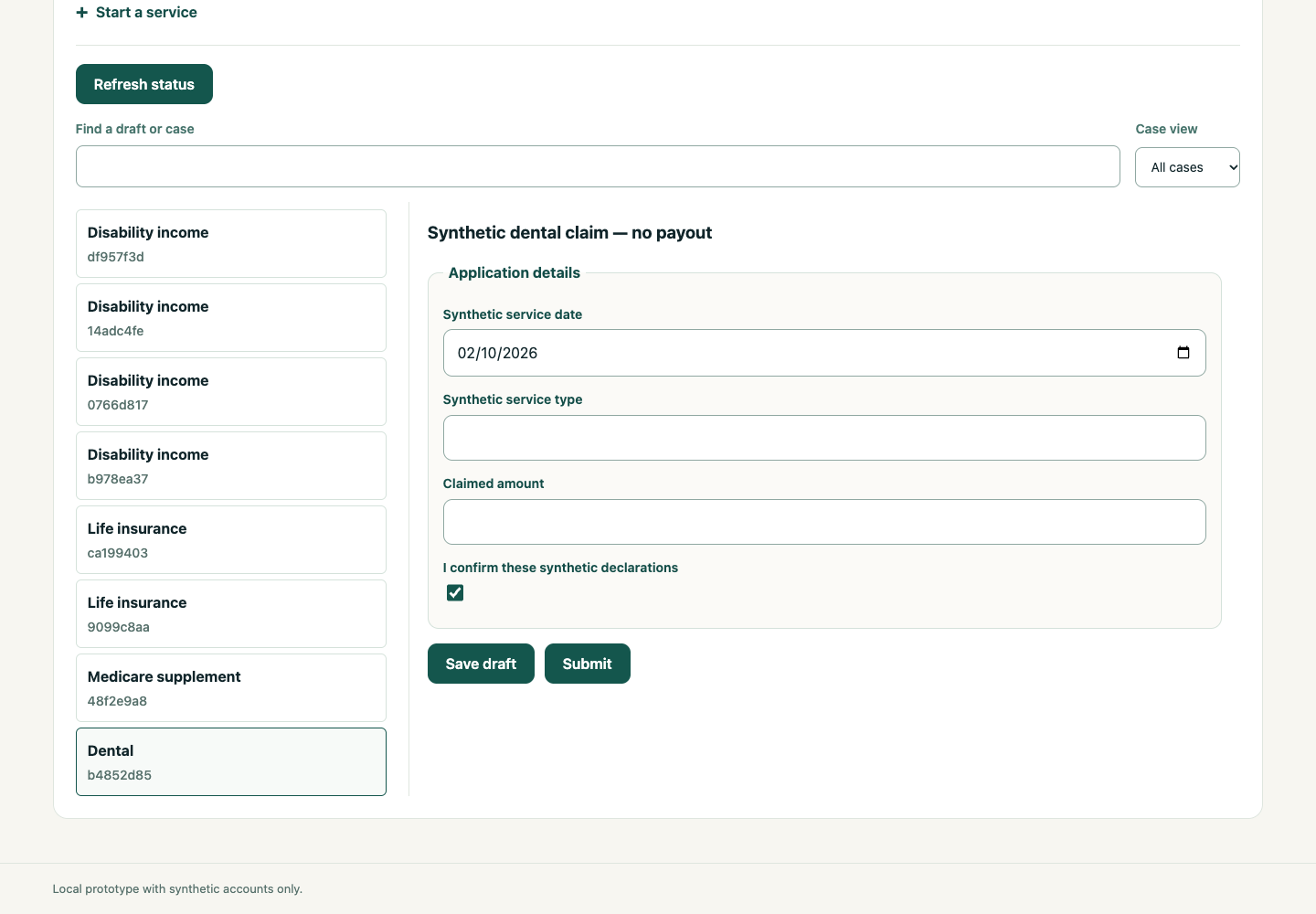
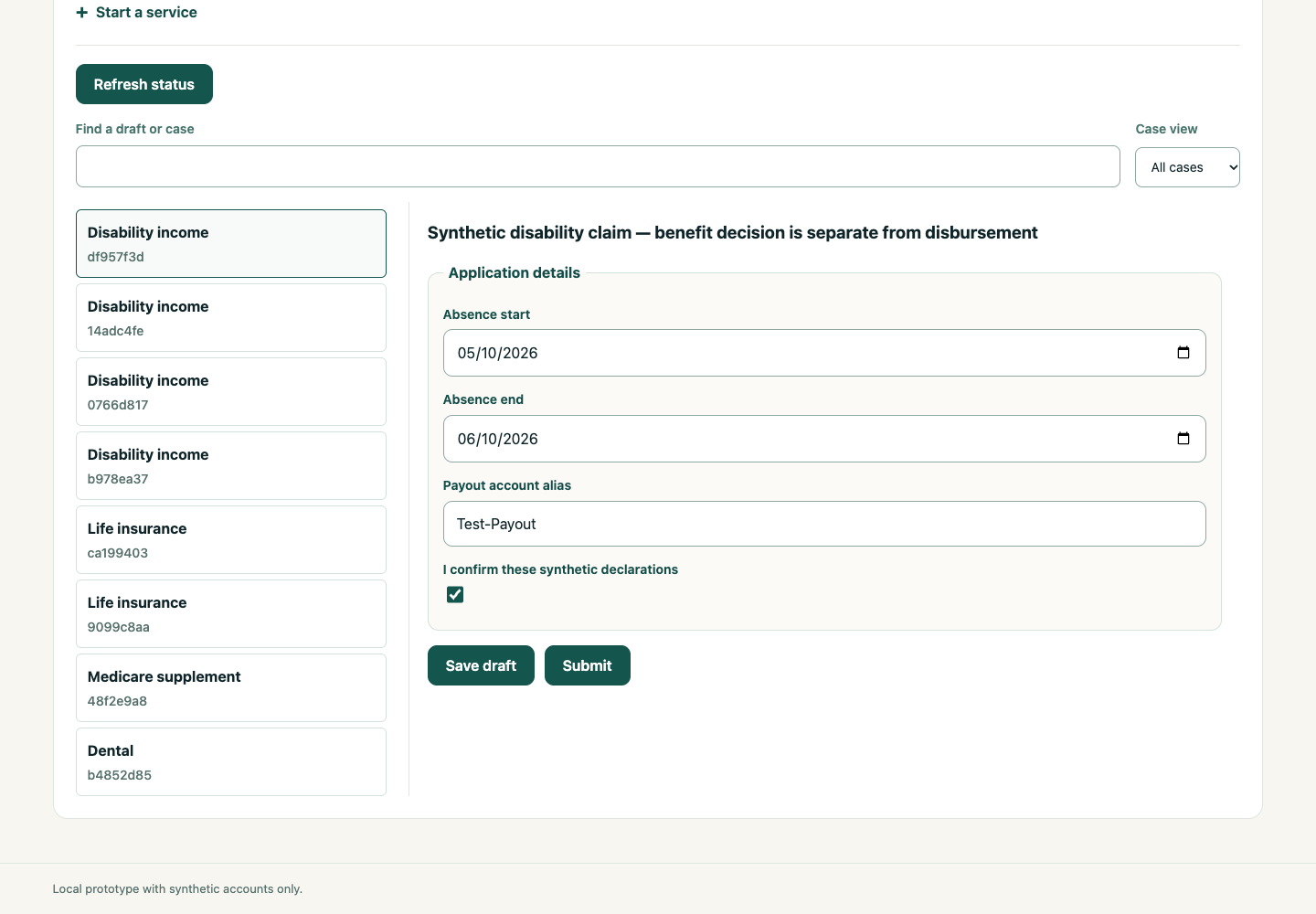
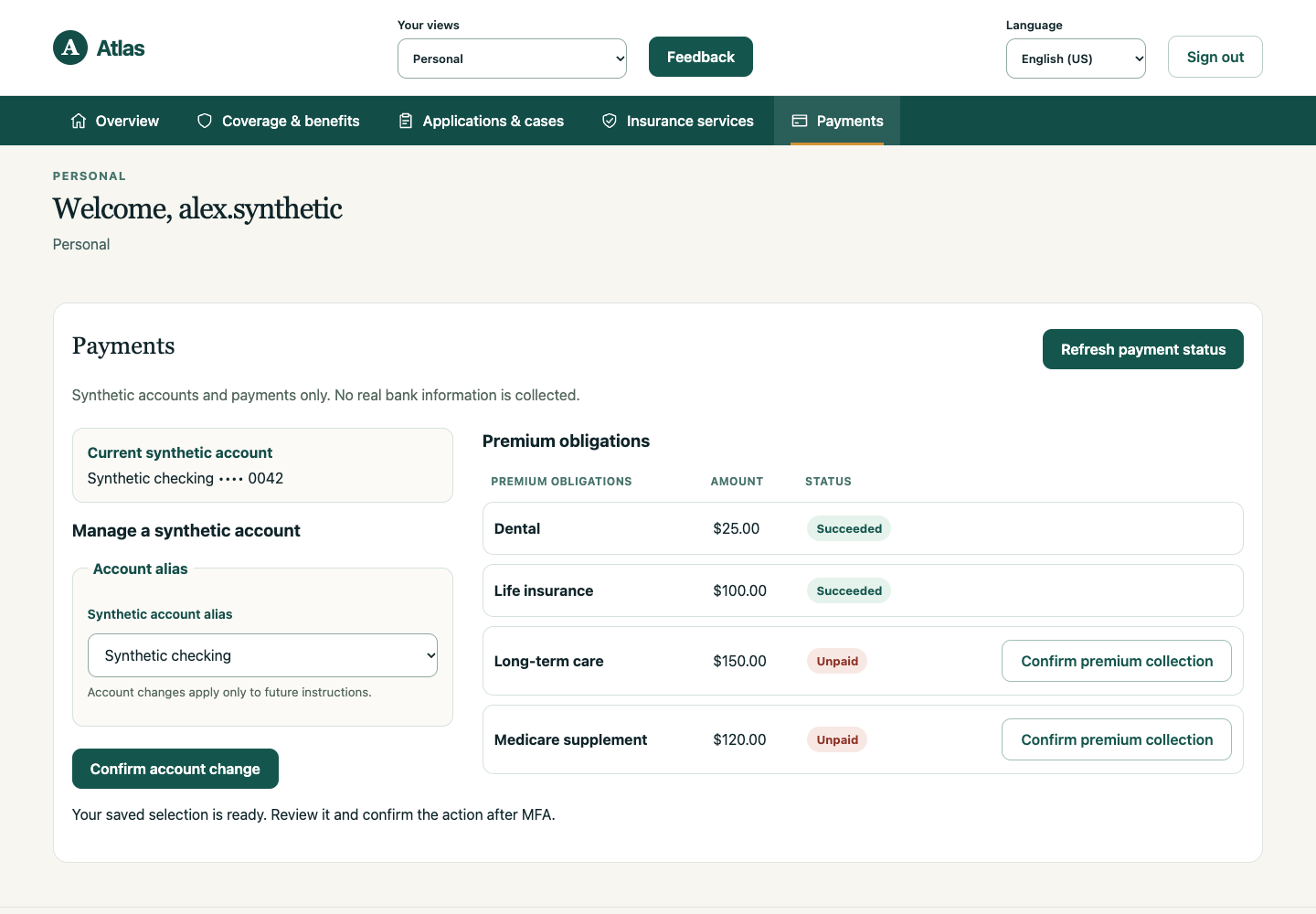
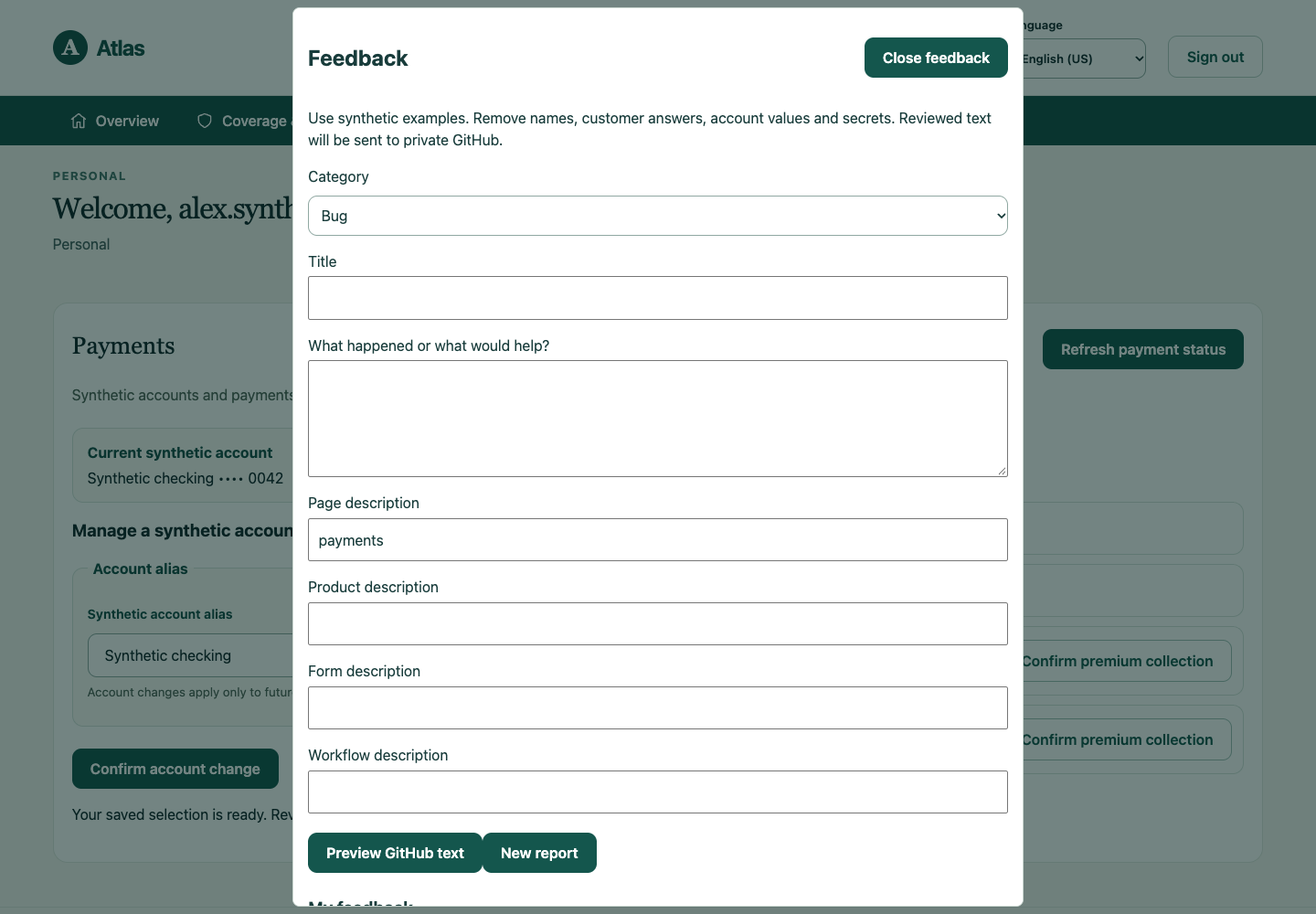
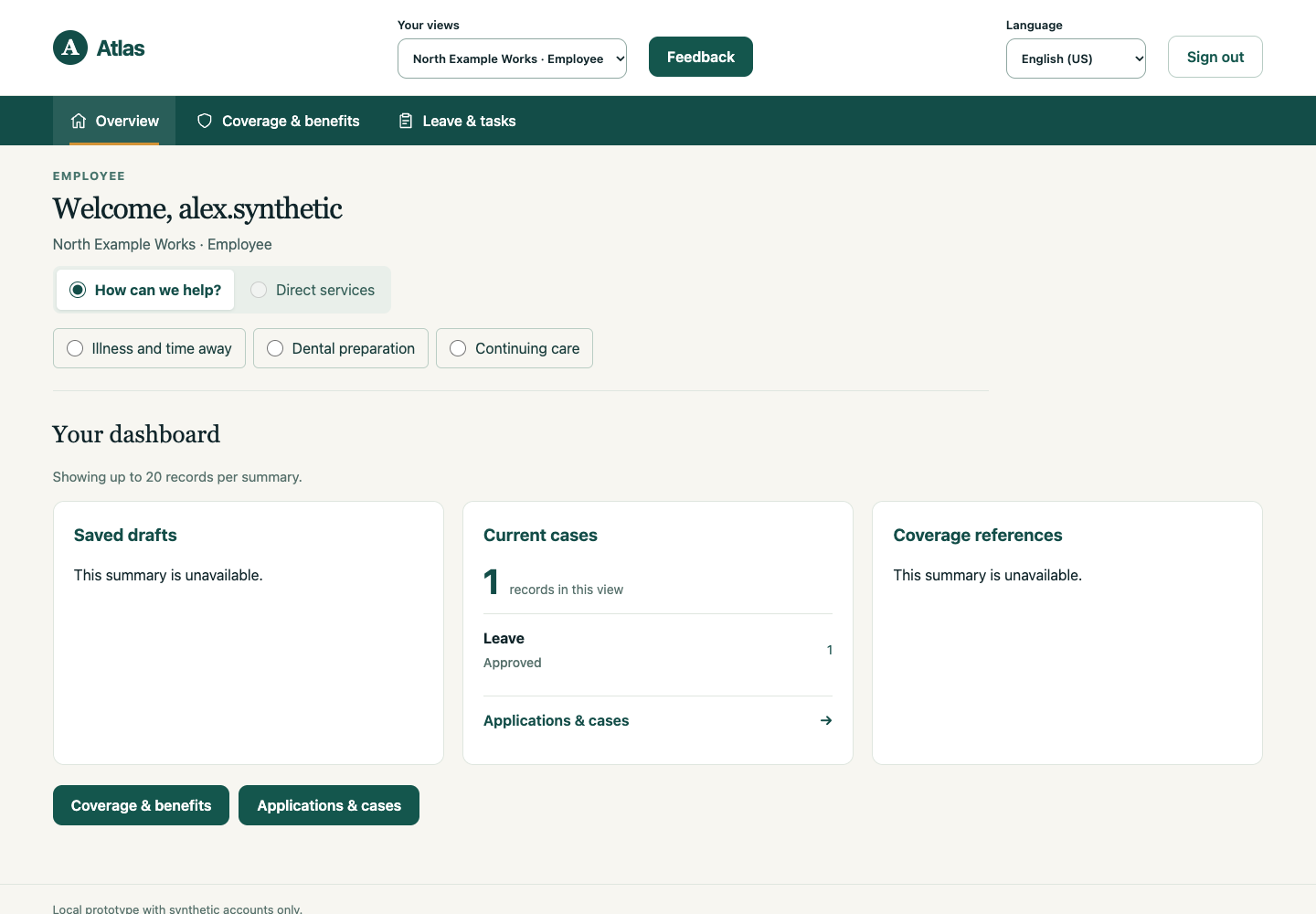
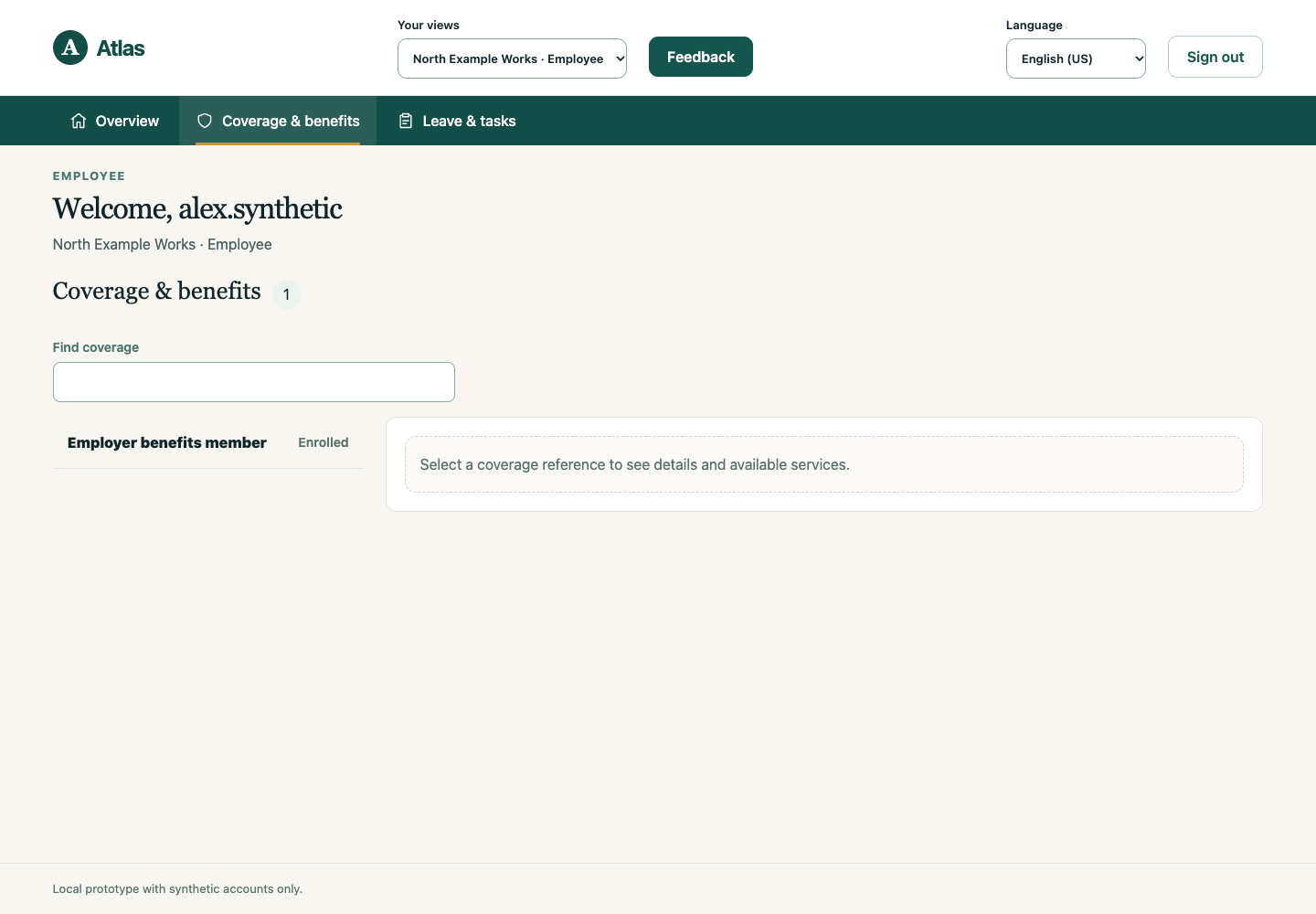
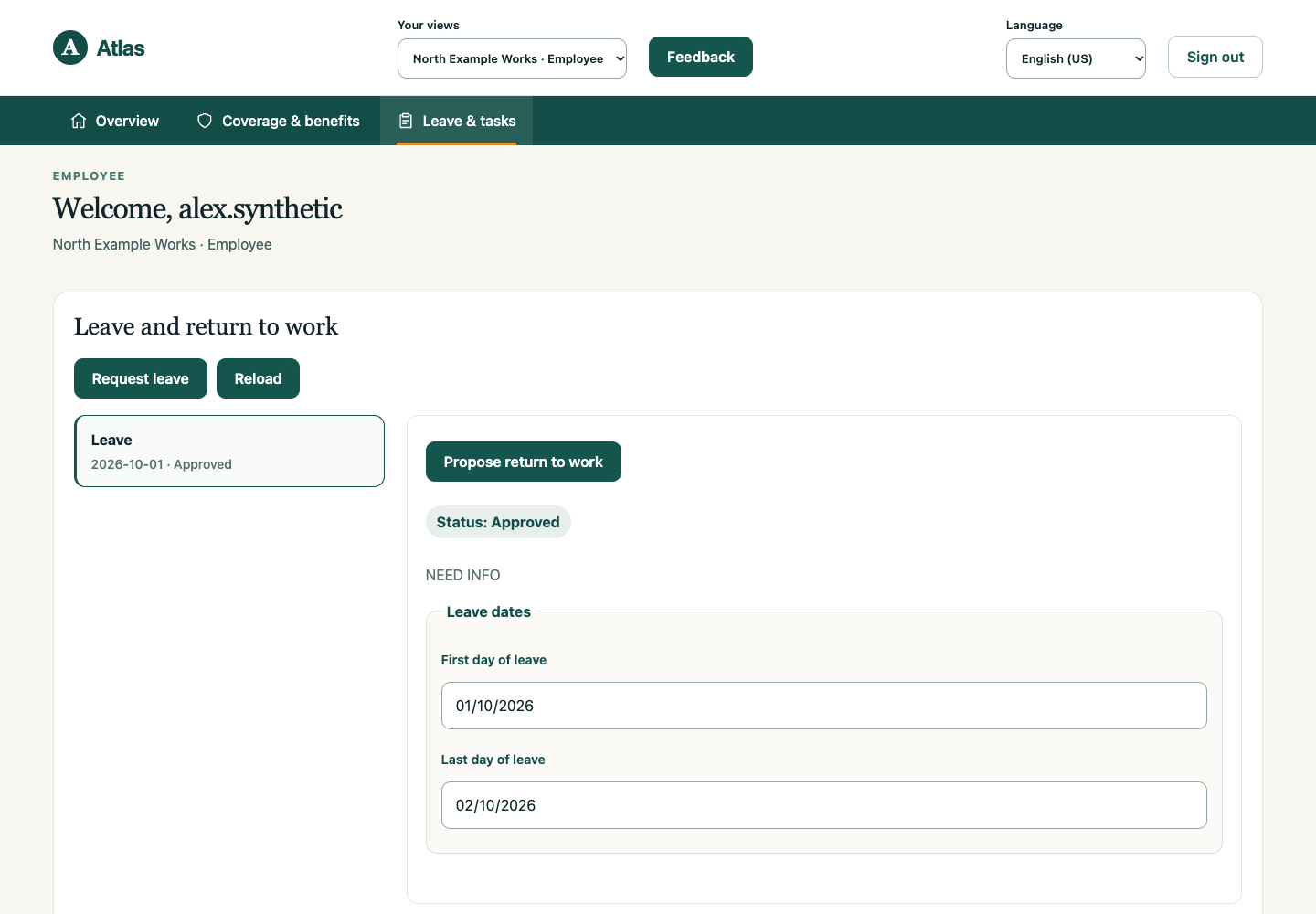
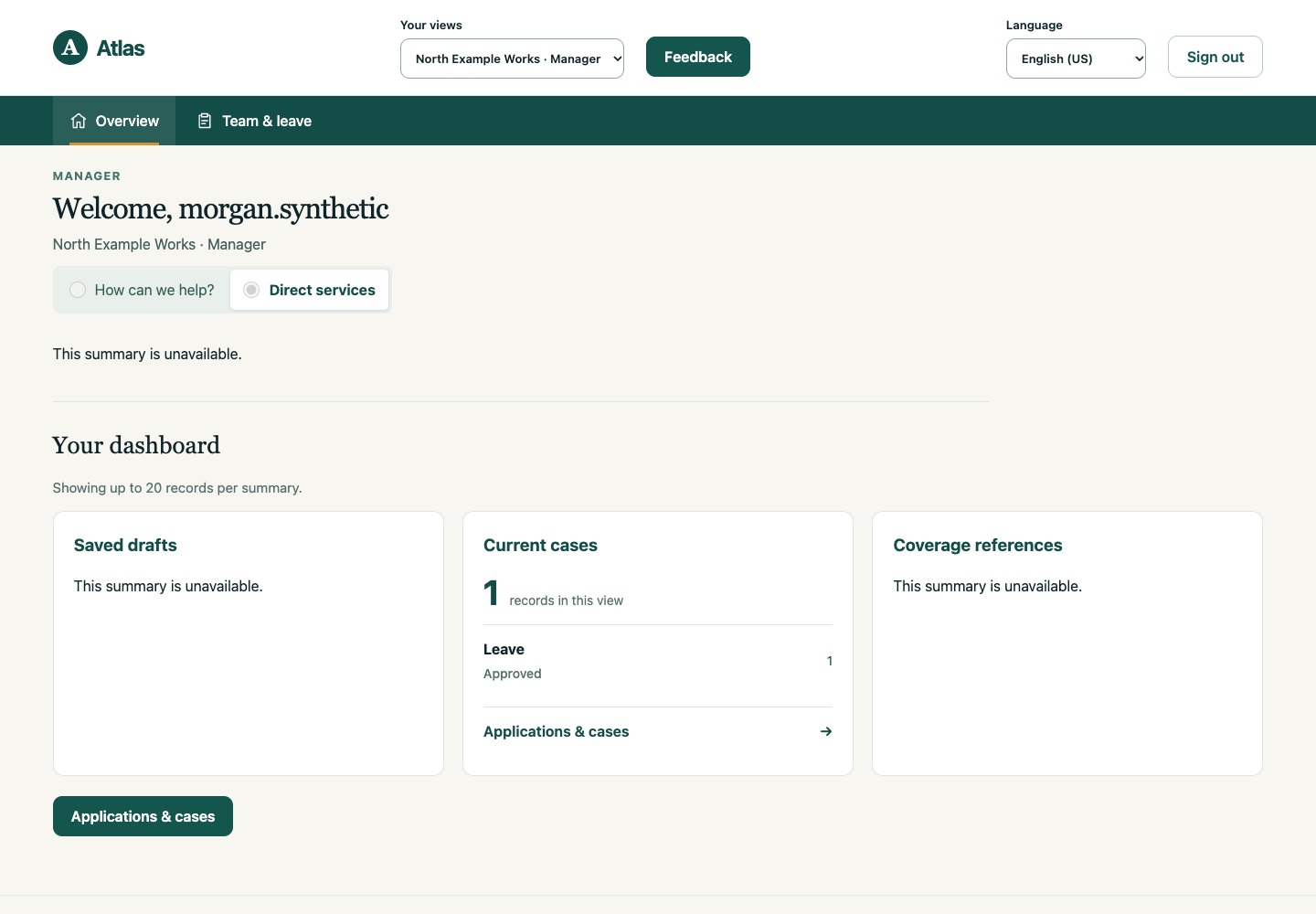
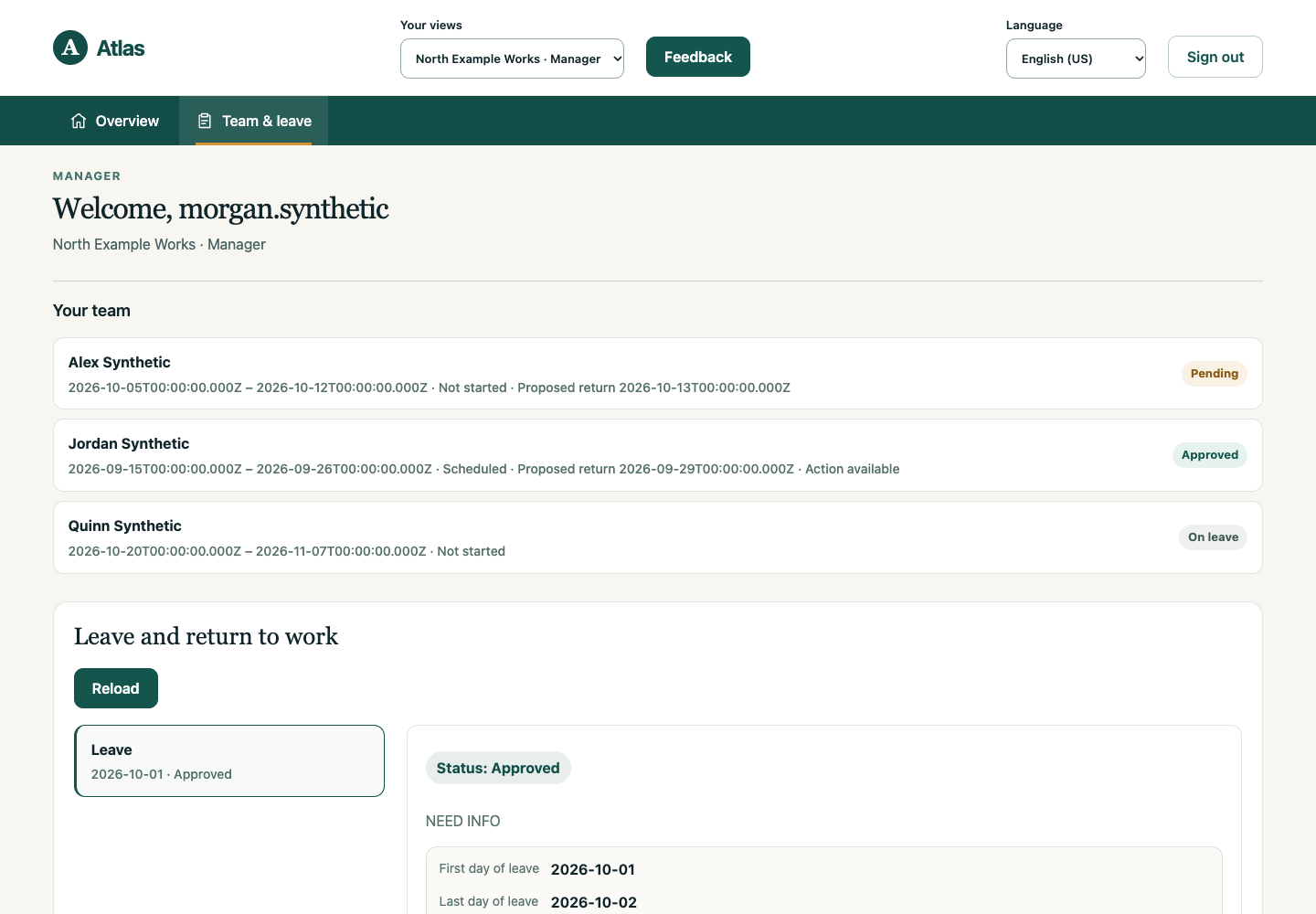
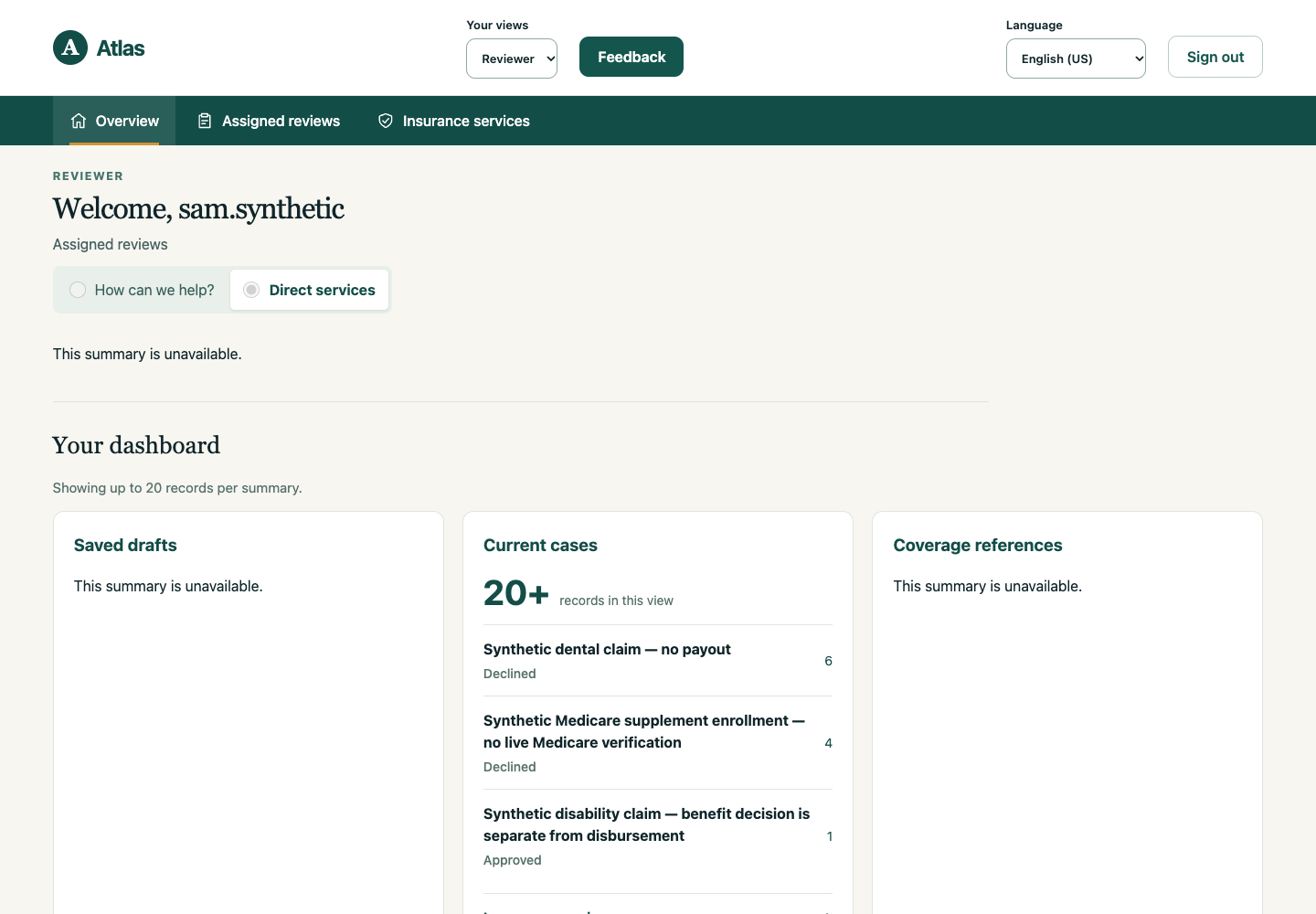
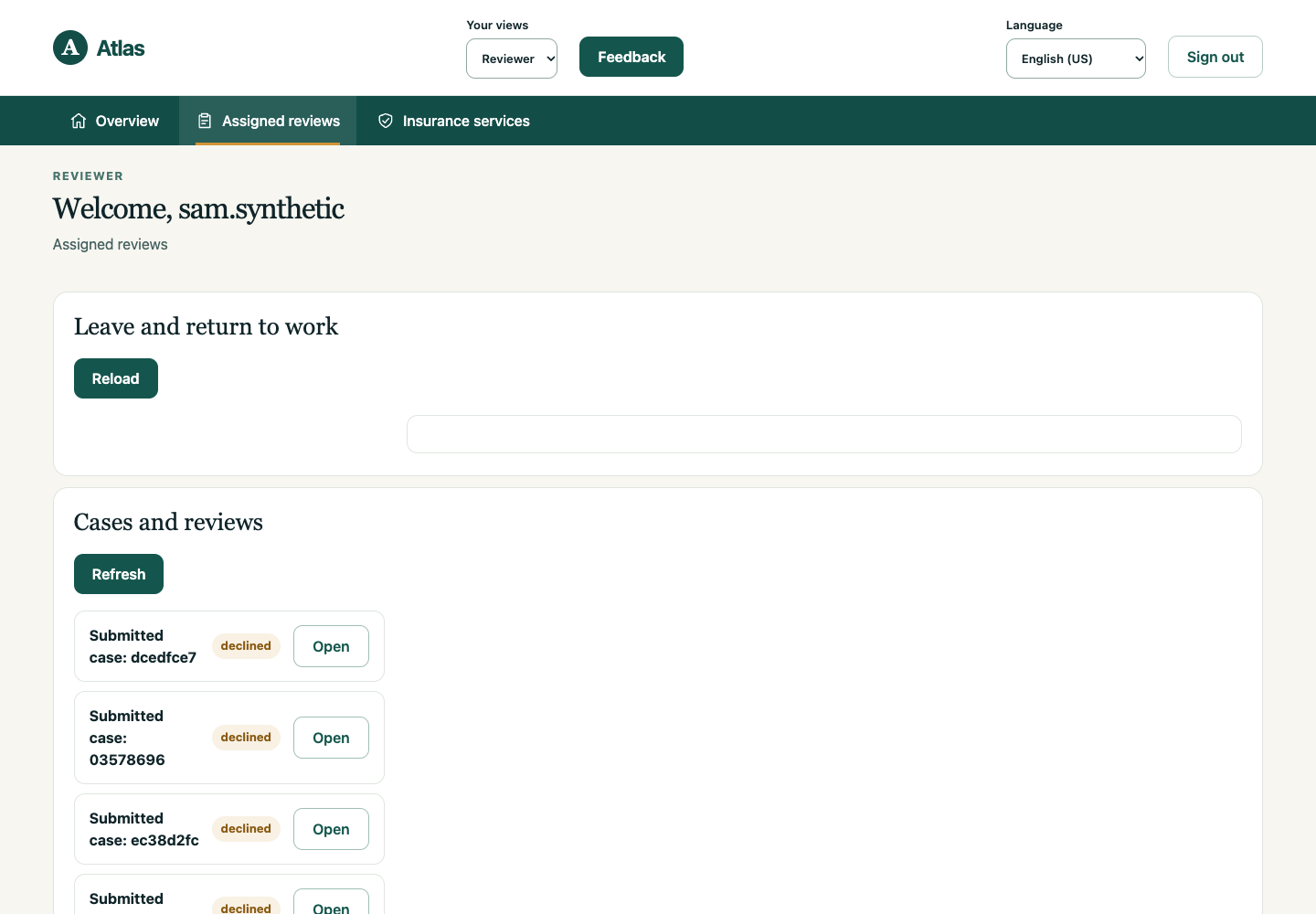
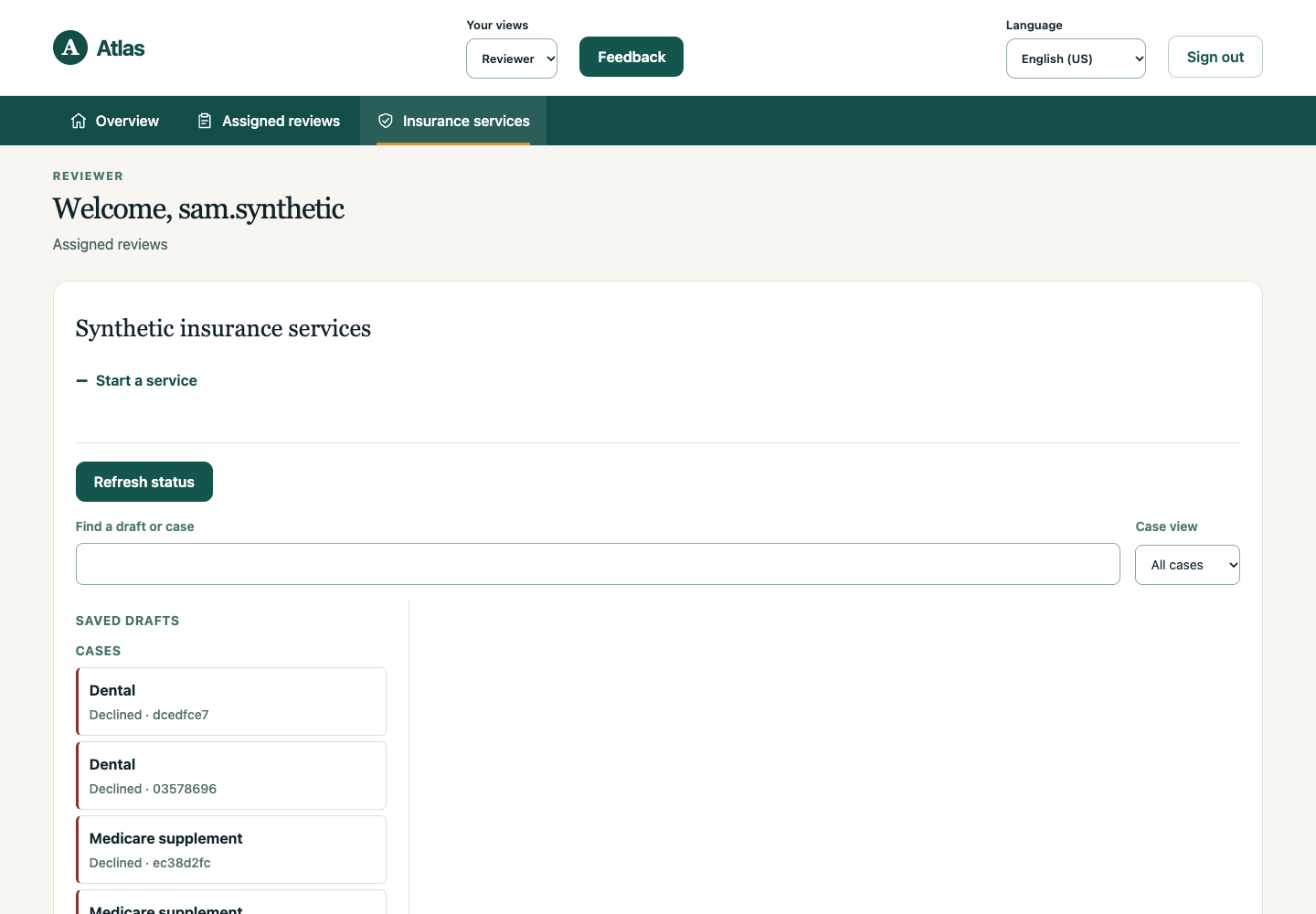
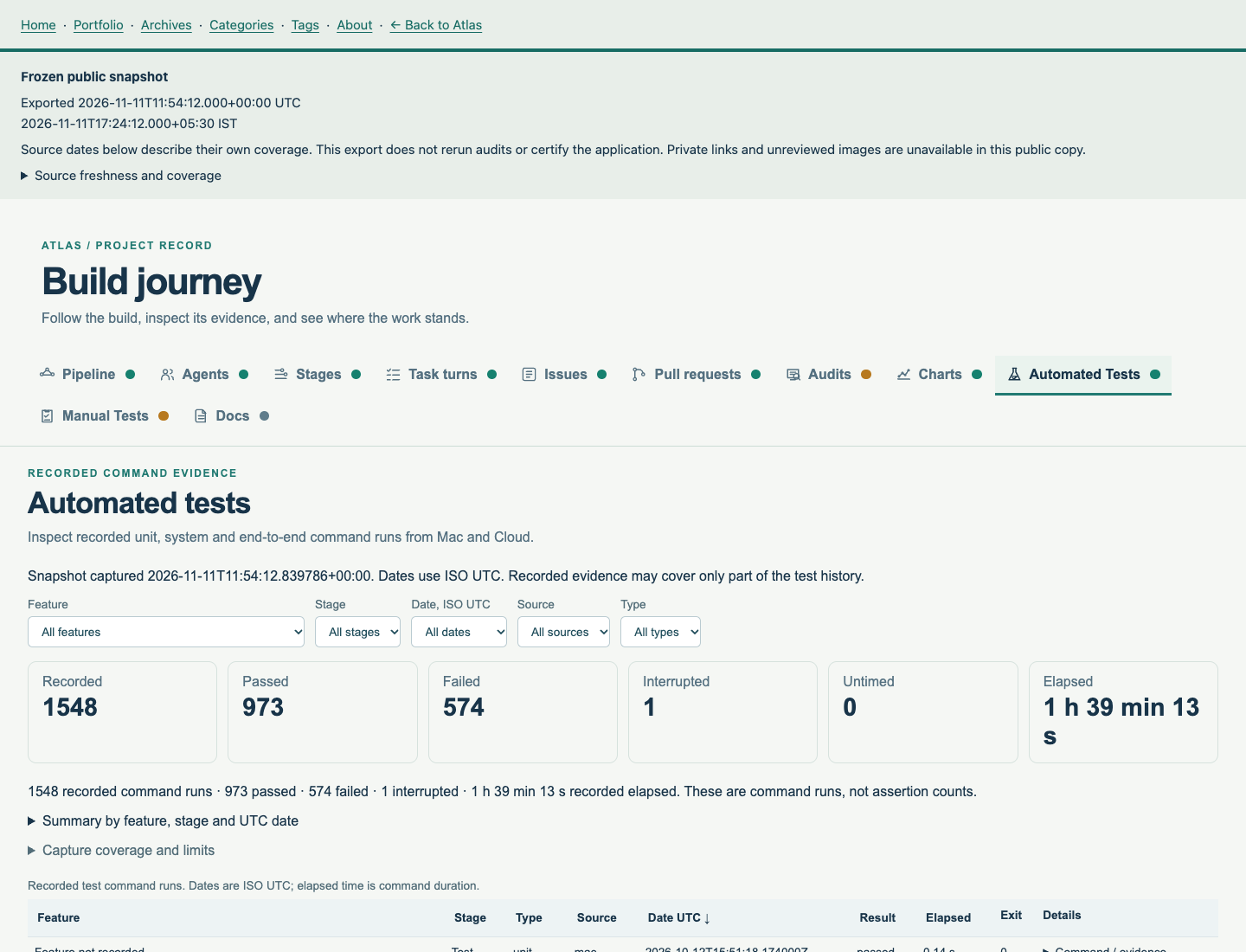
Prototype portal for a fictitious US insurer. Atlas covers life, Medicare supplement, disability income, dental, long-term care, and annuities. Selected journeys run on synthetic customers. Payments and legacy systems are simulated.
The browser is React, and the server decides the screen. A TypeScript API holds the Keycloak session, accepts durable case commands, and can recover when a command’s outcome is uncertain. Forms ship as pinned releases in English and Spanish. Mac certification is required before the UI is hosted or the services move to a cloud VPS.
Read the Atlas journey for the 30 October development deck. Its work-tracker headline uses the 11 November 2026 capture: 138 issues with 61 closed, 80 pull requests with 68 merged, 22 implemented capabilities, and 22 closed feature issues. Later slides in that deck keep the 30 October account.
Frames 1 to 20 in the carousel were captured on 2 November 2026. They show synthetic customer, employee, manager, and reviewer views. All 13 exposed main tabs across these four views are pictured. Empty and unavailable sections reflect that capture. Frames 21 to 25 are Journey Map views from the 11 November 2026 snapshot. Each of those captions starts with Journey Map.
The Journey Map is a frozen snapshot exported 11 November 2026 at 17:24:12 IST. The metrics cutoff on that capture is 17:23 IST. Issue, pull request, review, audit, and automated-test views use the same capture. Private links stay unavailable. This export does not certify the application. Full local certification and cloud deployment remain ahead.
Explore Atlas product capabilities and roadmap for a business guide to prototype services and planned capabilities.
Explore the frozen Journey Dashboard for the complete captured build record, charts, tables, test guides, and public-safe documents. Source dates and coverage limits are retained.
Rootr
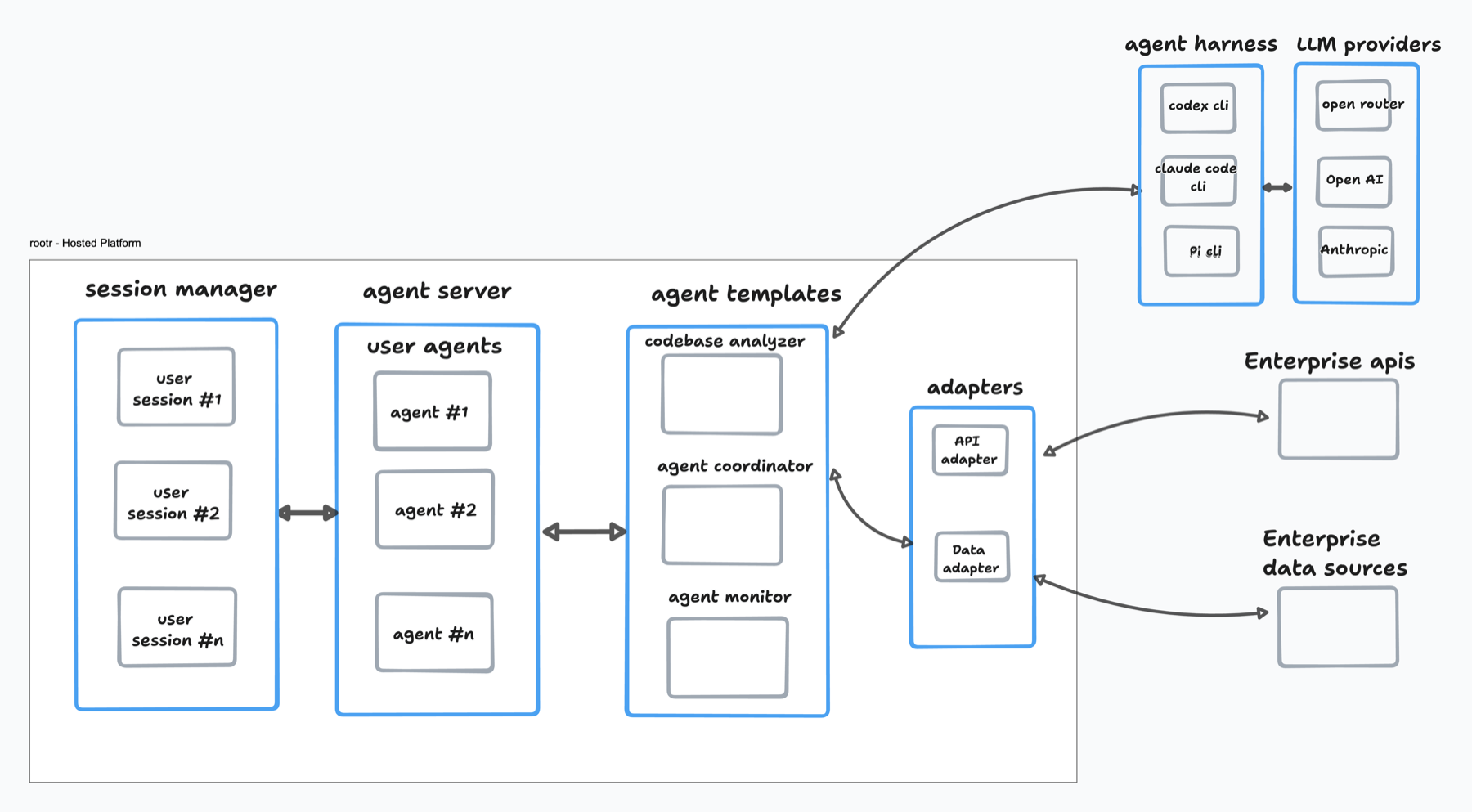
A cloud workspace for setting up a project from one pane. A developer opens Rootr and agents discover the project, then help stand it up. Sign-in is Clerk. Each session is designed for one sandbox and one hot harness, Pi or Codex. Model calls go through a gateway, so Rootr does not keep vendor tokens. Reads against other systems go through approved adapters.
The running slice is sign-in. Clerk maps the person to a tenant, GET /v1/me answers, and a React client calls that API. Sessions, project discovery, catalog approval, and the setup assist are specified and not built yet. There is no public demo yet.
Glass
An AI prompt UI, rendered instead of traditional forms and pages. An operator types in chat. The reply stays in the transcript. Images, documents, and generated screens land on a collapsible canvas. Those screens come from a closed catalog, so the model cannot mount a widget the app does not already know.
A new thread stays on the device until the first completed model turn, then Convex stores it. Sign-in creates a tenant. The app runs locally on Next.js, Clerk, Convex, and Grok. Archive, tenant knowledge, and saving a record from a generated screen are still open. There is no public demo yet.
KORDR
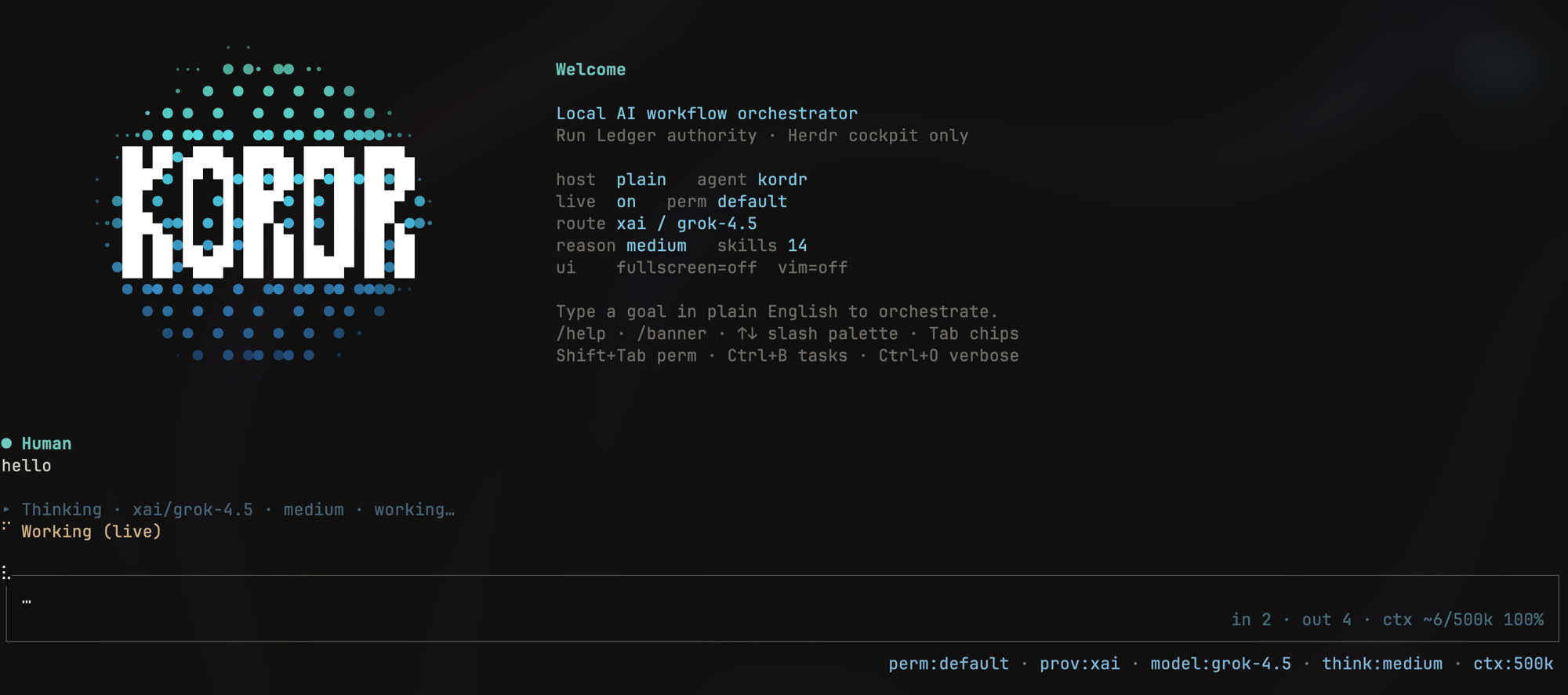
Local AI-agent workflow orchestration. Kordr is a single-user system for orchestrating agent workflows with a durable Run Ledger, policy stack, and provider-backed execution. The feature/ink-tui-v1 line adds a first-class interactive Ink + React terminal UI — chronological transcript, status chips for provider/model/reasoning, slash commands, live tool rows, and collapsed Thinking/Tools with markdown answers.
Still under active development (not a production end-user service yet): the CLI validates and explains workflows, the daemon owns local lifecycle operations, and the interactive shell is the best way to try the live coordinator path.
ShowTime Lite
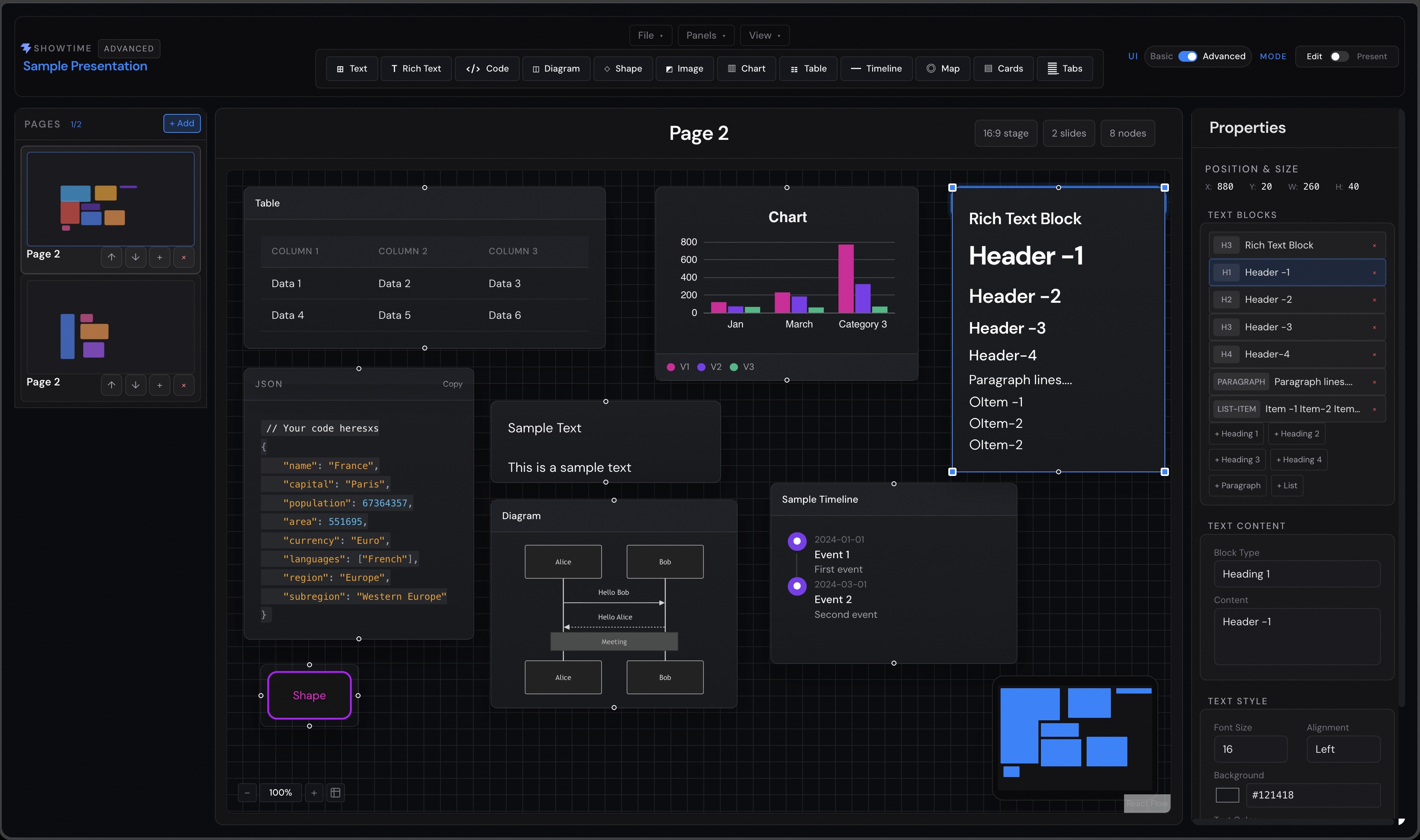
Modern presentations in your browser. ShowTime Lite is a cloud-based slide creation tool with a visual canvas, real-time preview, presentation mode, rich components, and image or JSON export. It supports browser-local decks today, with cloud workspaces and folder-based project organization in development.
Visit ShowTime Lite · Launch the interactive demo · View releases
StageLeft Notes
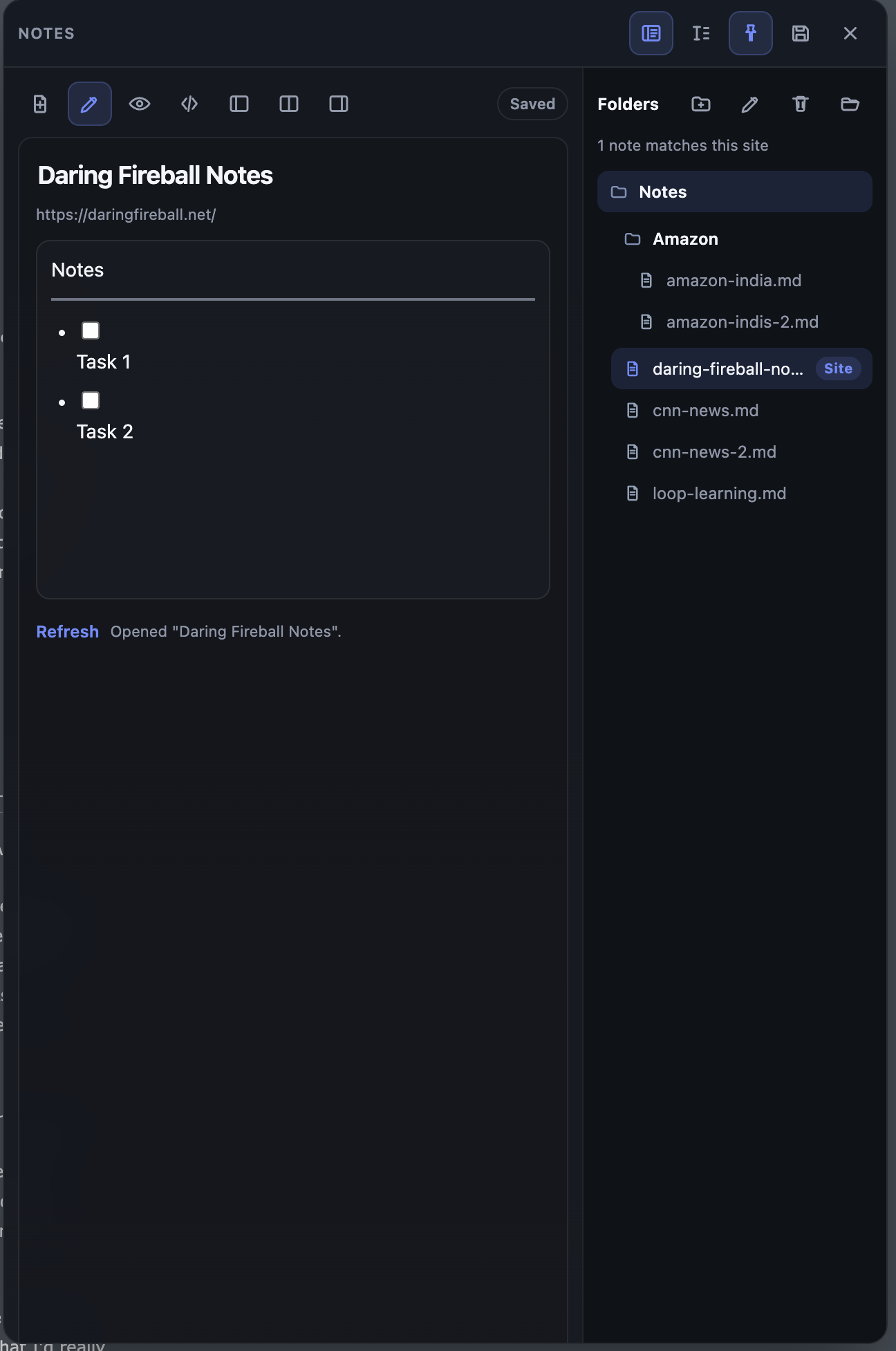
Site-aware notes without leaving the page. StageLeft Notes is a local-first Chrome extension that opens as a slide-out panel for presentations, demos, research, and live reference work. It associates notes with sites, stores them as Markdown in a local folder tree, and keeps read mode clean while rich editing tools remain available on demand.
View StageLeft Notes on GitHub
Project Showcase

AI Summarizer

Threads Clone
